
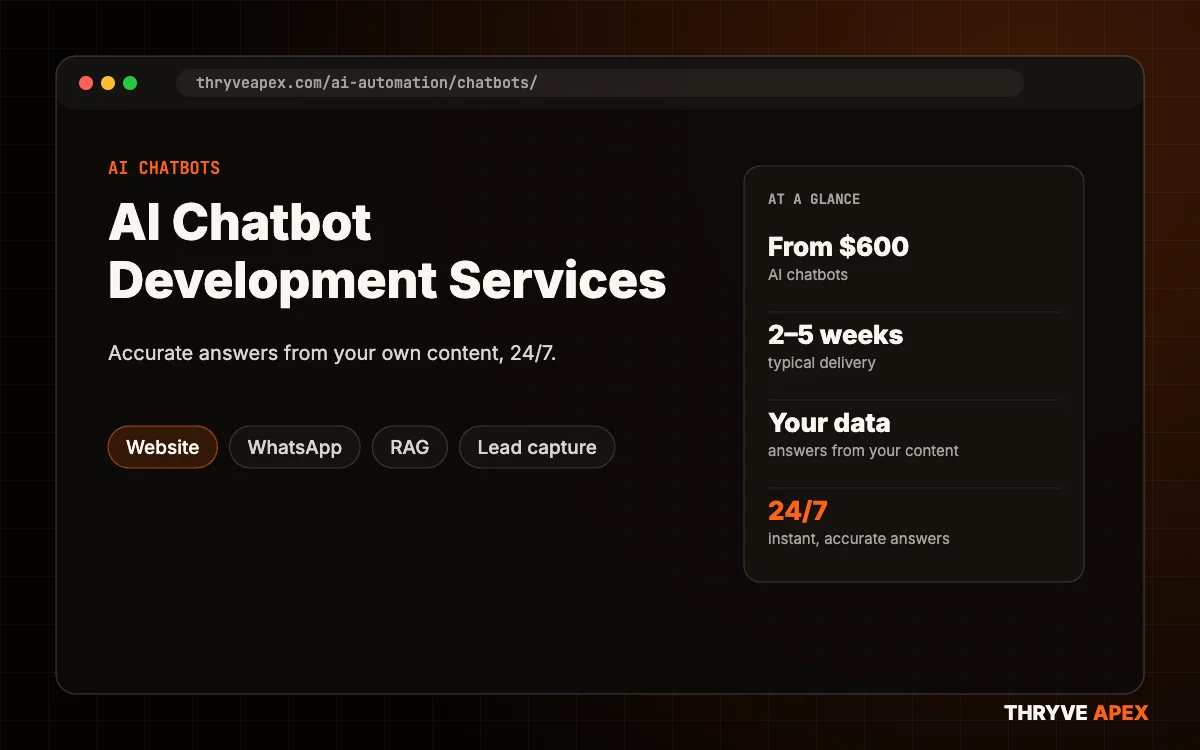
AI Chatbot Development Services
Our AI chatbot development services build chatbots trained on your own content, so they answer accurately, capture leads and hand over to your team when needed, on your website, app or WhatsApp.
The businesses we build, grow and automate for




 Eight O Eight
Why old chatbots frustrate customers
Scripted bots and generic AI both fail customers.
Scripted dead ends
Button bots can’t handle real questions.
Made-up answers
Generic AI invents prices and policies.
No hand-off
Customers get stuck with no way to reach a person.
Chatbot development services
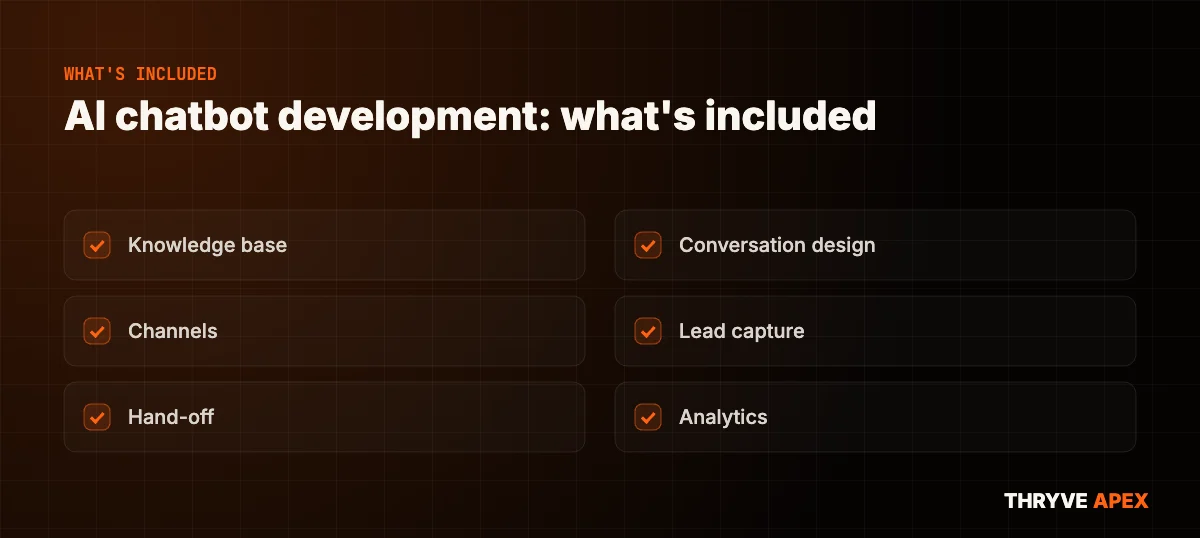
Our chatbot development services cover training, integration and monitoring.
Knowledge base
Trained on your site, PDFs, products and FAQs (RAG).
Conversation design
Tone, goals, lead questions and limits.
Channels
Website widget, WhatsApp, Instagram or in-app.
Lead capture
Collects details and sends them to your CRM.
Hand-off
Passes chats to a person when needed.
Analytics
Top questions, gaps and conversions.
AI chatbot development that answers from your data
Modern AI chatbot development uses retrieval-augmented generation (RAG): the bot searches your own content before answering, so it gives accurate answers and says when it doesn’t know. Our AI chatbot app development services also put bots inside mobile and web apps.
Industry examples: education, healthcare, hotels, real estate, restaurants, SaaS.
- Answers from your own content
- Says ‘I don’t know’ instead of guessing
- Website, WhatsApp and in-app
- Leads sent to your CRM
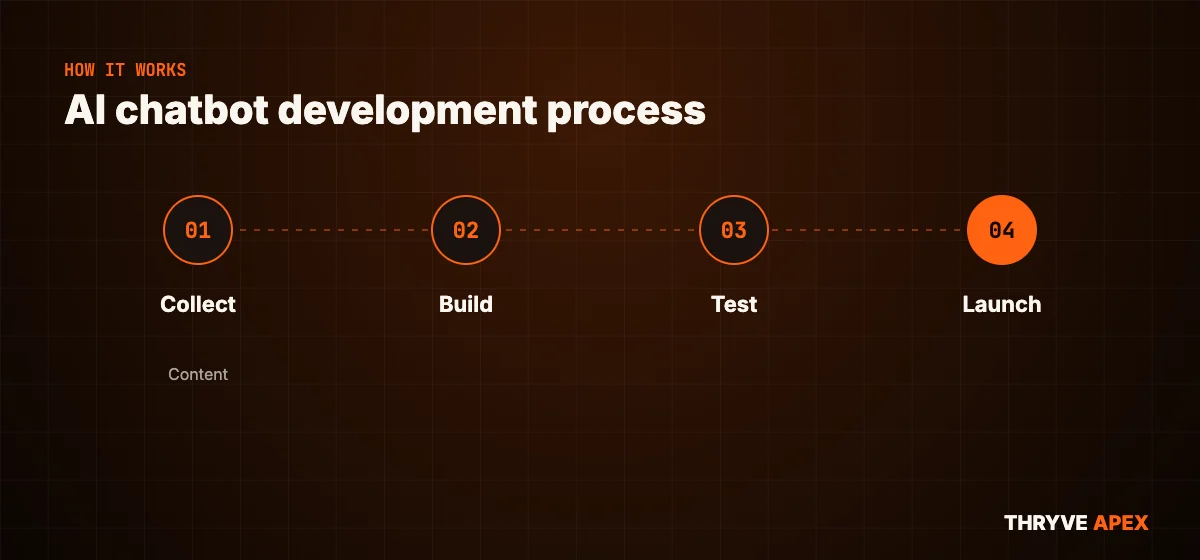
How we build your chatbot
Accurate before it goes live.
Collect
Gather content and goals.
Build
Knowledge base and conversation design.
Test
Test questions and accuracy checks.
Launch
Go live and improve from real chats.
How we build chatbots you can trust
Every chatbot follows the same rules.
of workflows, keys and data stay in accounts you own
Ownershipapproval before anything risky is sent or changed
Safetyof free fixes and tuning after go-live
Supportsigned before we see your data or processes
Confidentiality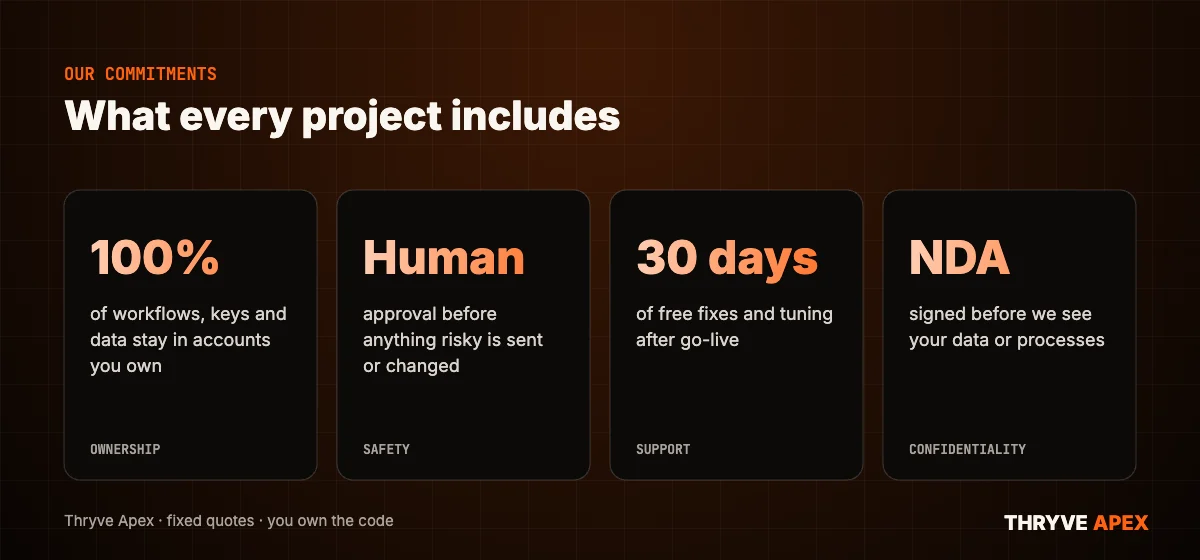
Chatbot development cost
Fixed-price builds plus AI usage.
FAQ chatbot
Website chatbot from your content.
- Knowledge base
- Website widget
- Lead capture
Sales chatbot
Leads, bookings and CRM.
- Everything in FAQ
- CRM + booking
- WhatsApp channel
- Hand-off
Enterprise assistant
Large knowledge and apps.
- Large document sets
- In-app
- Roles + security
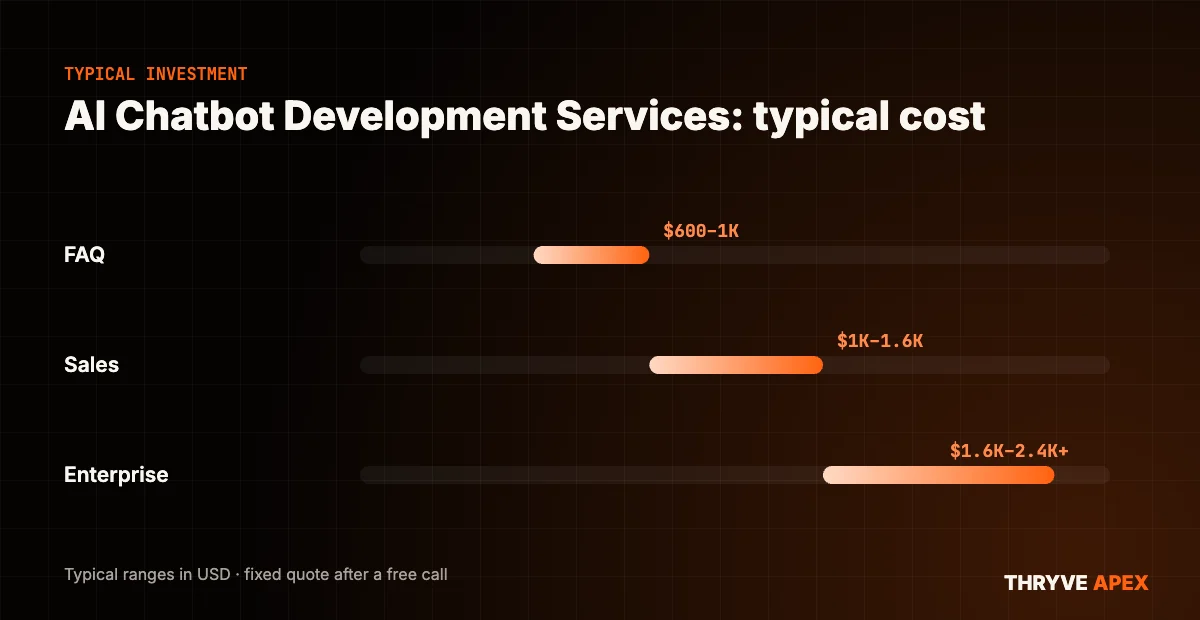
How much does chatbot development cost? Typical chatbot development cost is $600–$2,400; AI chatbot development cost includes training on your content and integrations, plus monthly AI usage. Full guide: chatbot development cost.
Often paired with
Frequently asked questions
What do AI chatbot development services include?
Will the chatbot make things up?
Can it work on WhatsApp?
Let’s talk about your project
Book a free 30-minute call. We’ll look at what you have, tell you honestly what we’d do first, and send a fixed quote.
Or email hello@thryveapex.com · call +91 91002 80101